UniFi Access G3 Reader
From £110.00 — request a quote
Key features
- NFC card, fob or phone: Touch Pass unlock from a phone, plus card and fob support.
- Request-to-exit built in: Doubles as the exit-side device, no separate REX button needed.
- PoE powered: One cable for power and data, run from the Access hub.
- 2-wire retrofit option: Works over existing two-wire runs where new cabling is not practical.
A compact third-generation UniFi Access reader, NFC card, fob and Touch Pass (mobile) unlock, with request-to-exit built in so no separate exit button is needed.
Fast UK deliveryMost in-stock items ship within a few working days.
Survey & installationAvailable on request, we'll quote it alongside the product.
Staff trainingHands-on training available on projects that include it.
Ongoing supportMaintenance and care plans available, see Support & Maintenance.
Online ordering is not open yet. Tell us what you need below and we'll confirm availability, delivery and installation.
Specifications
UniFi Access G3 Reader specifications| Brand | Ubiquiti |
|---|
| Manufacturer part number | UA-G3 |
|---|
| Credentials | NFC card and keyfob, Apple/Google Wallet, mobile unlock, handwave request to exit |
|---|
| NFC | 13.56 MHz, read range under 30 mm |
|---|
| Bluetooth | BLE 4.1 |
|---|
| Network | 1 x 10/100 RJ45 |
|---|
| Power | PoE or 48 V DC supply, max 5 W |
|---|
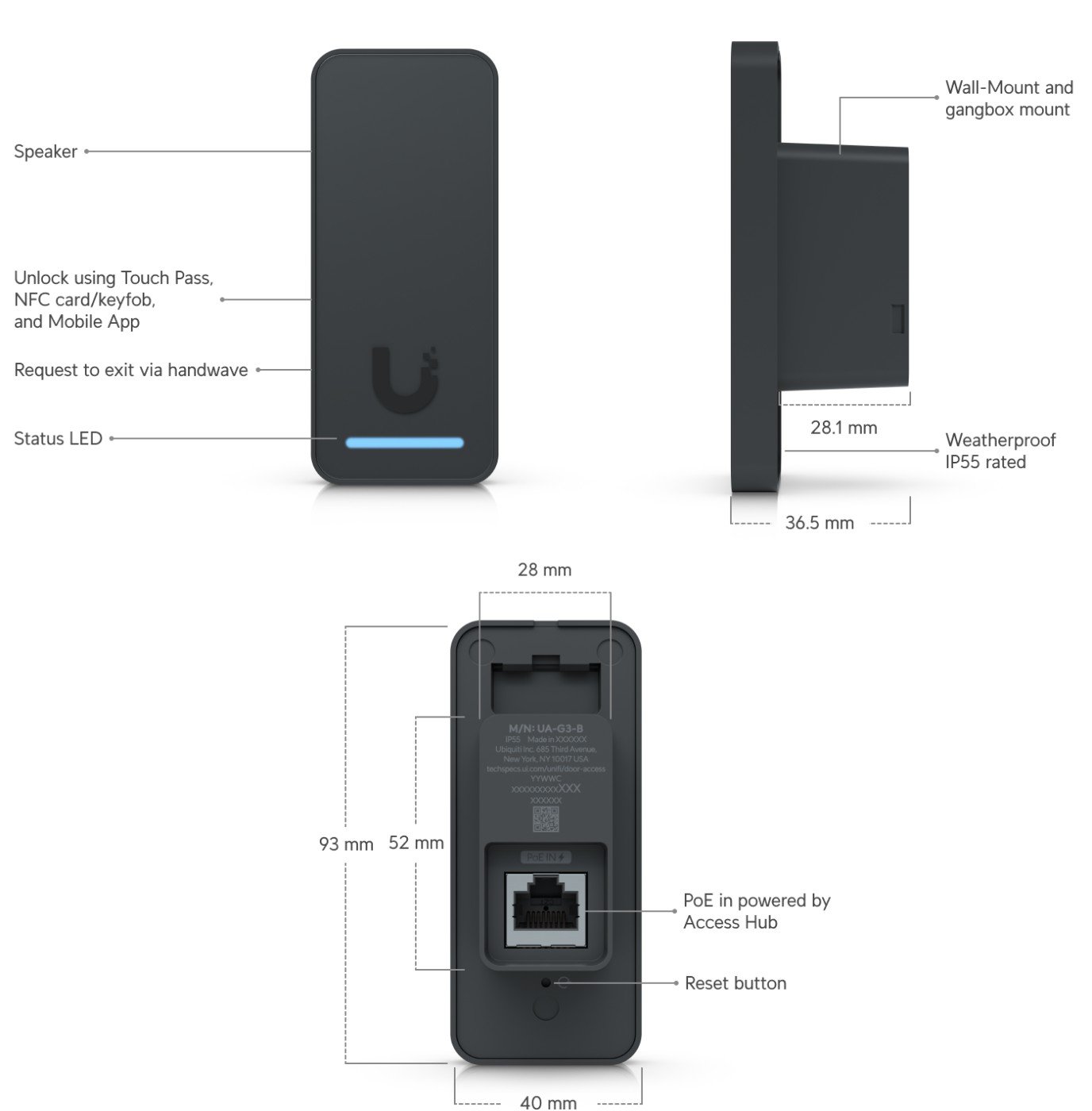
| Ingress rating | IP55, indoor and outdoor |
|---|
| Operating temperature | -30 to 45 °C (-22 to 113 °F) |
|---|
| Dimensions / weight | 93 x 40 x 36.5 mm; 82 g |
|---|
| Mounting | In-wall gang box mount included; junction box optional |
|---|
| Security ratings | UL 294 Level I; CAN/ULC-60839-11-1 Grade I |
|---|
| Touch Pass | Supported; 10 free 1-year Touch Passes included |
|---|
| Management | UniFi Access application |
|---|
Specifications are taken from the manufacturer's published datasheet and can change between hardware revisions. We confirm the exact model against your requirements before supplying it.
What you need to know
- It is managed in the UniFi Access application, which needs a UniFi Console that supports Access. Ubiquiti describes Access as licence-free.
- Ubiquiti's getting started guide says readers connect to an Access hub, which wires to the door lock. A hub, such as the Door Hub Mini, is a separate purchase unless you buy the G3 Starter Kit.
- Touch Pass on the G3 Reader needs reader firmware 3.14.3.0 or later, UniFi OS 4.4.6 or later, Access 4.1.15 or later and Remote Access. The first 10 Touch Passes are free for a year.
Frequently asked questions
Which credentials does the G3 Reader support?
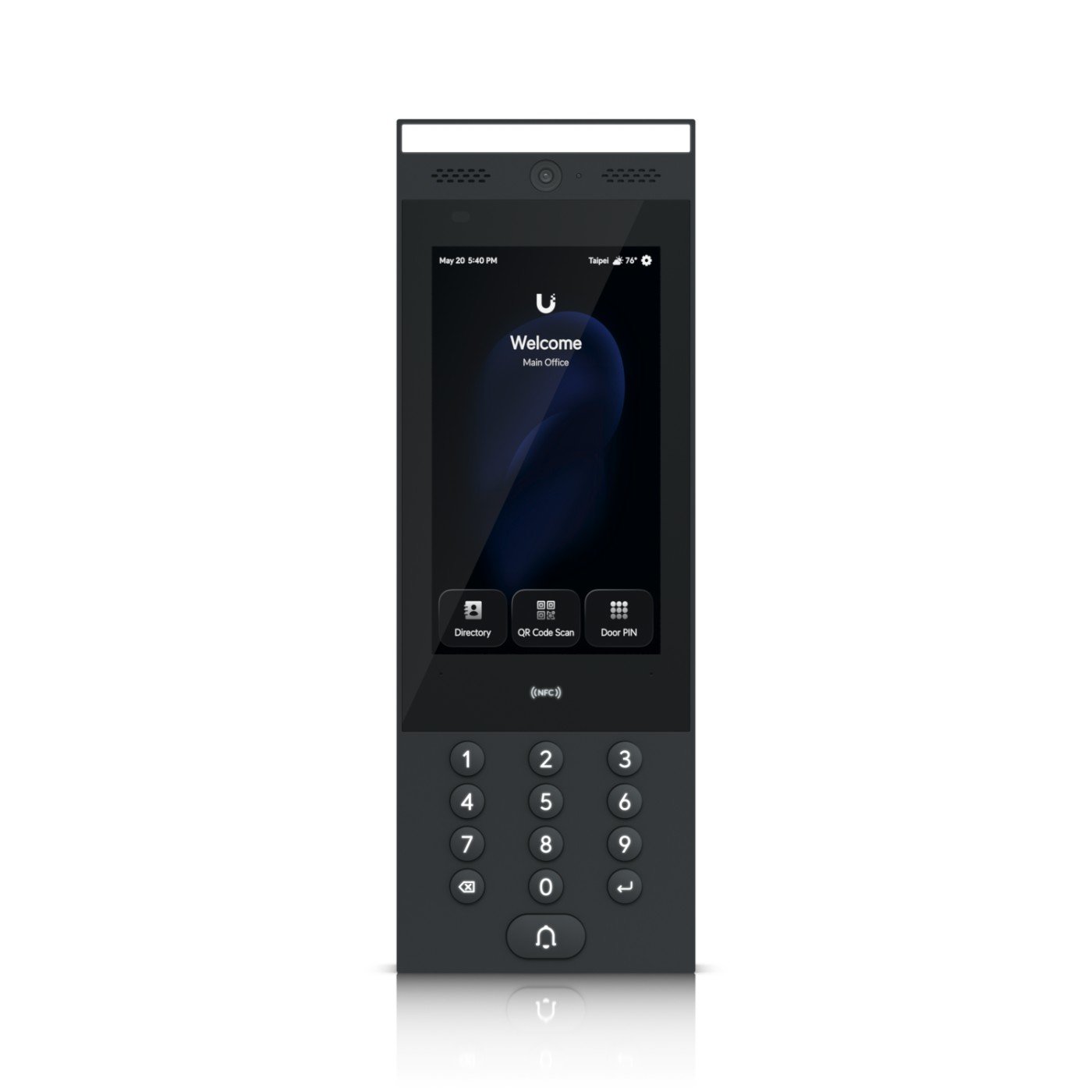
Ubiquiti lists NFC cards and keyfobs, Apple and Google Wallet, mobile unlock and handwave request to exit, using NFC at 13.56 MHz and Bluetooth LE 4.1. PIN entry and a display are not listed, unlike the G3 Reader Pro.
Can the G3 Reader be used outdoors?
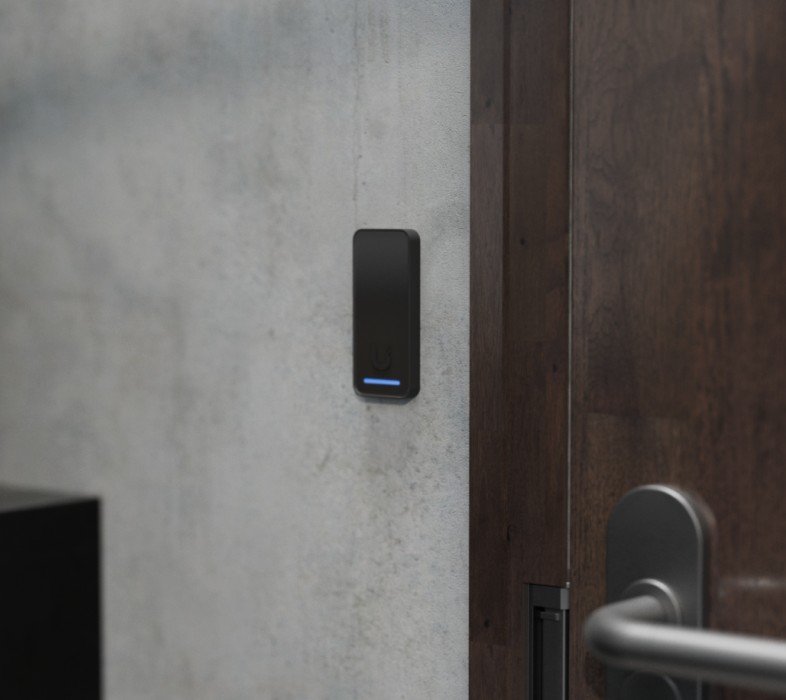
Yes. It has an IP55 rating for indoor and outdoor use and an operating range of -30 to 45 °C with 5 to 90% non-condensing humidity. It mounts to an in-wall gang box that is included.
Does the G3 Reader need a hub?
Ubiquiti's getting started guide describes the reader as connecting to an Access Control Hub, which wires to the door lock, so a hub is part of the system. The store page does not state this requirement directly.
Description
Efficient IS supplies the UniFi Access G3 Reader to UK organisations, with delivery, survey and installation available on request.
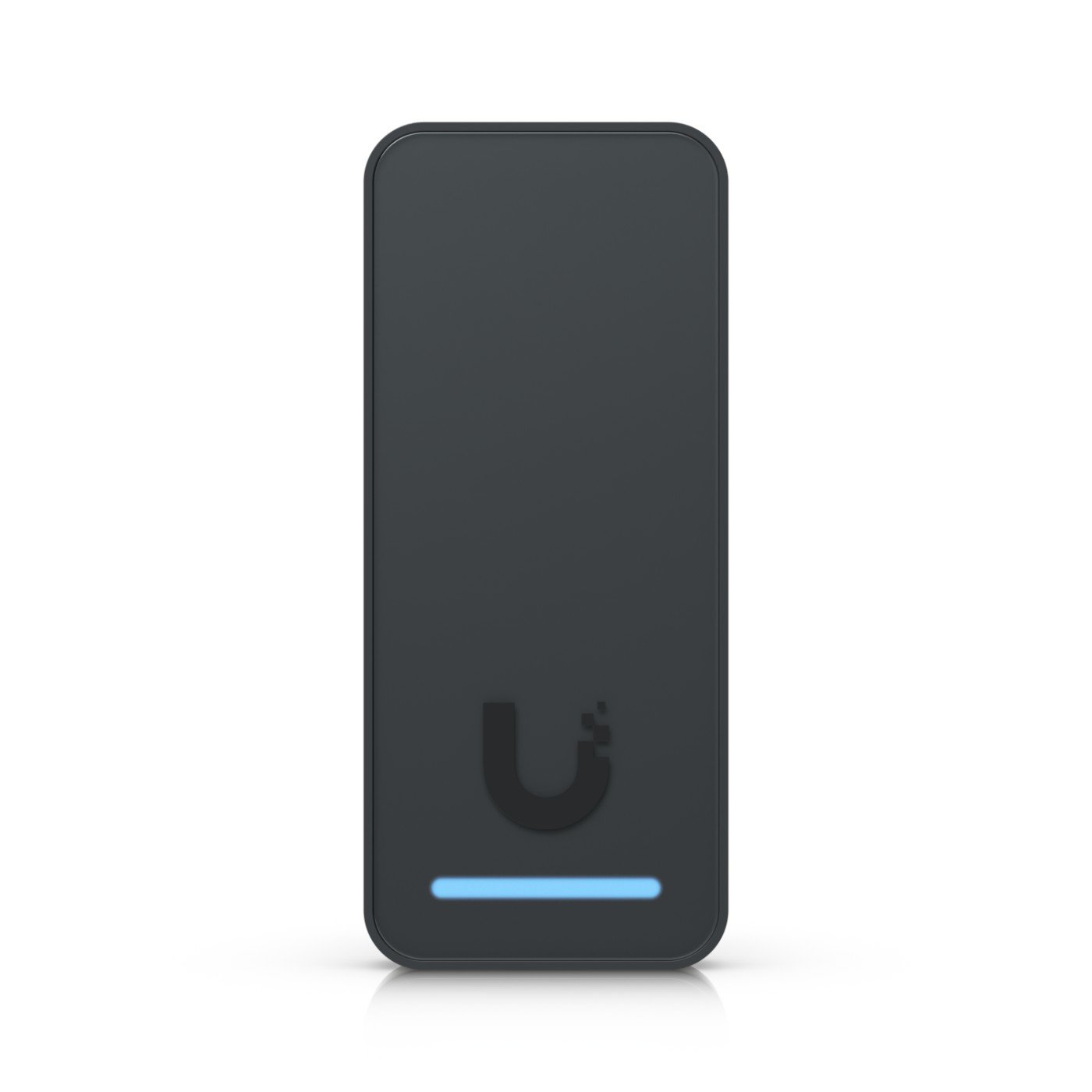
The G3 Reader is UniFi Access’s compact, general-purpose reader, NFC card, fob and Touch Pass (mobile) unlock, with a built-in request-to-exit function so it can also serve as the exit-side device on a door.
It’s PoE powered from a Door Hub Mini or other UniFi Access hub, and a 2-wire retrofit version is available for doors where pulling new cable isn’t practical.













Reviews
There are no reviews yet.