
Digital Signage Solutions: Signage your team can update in minutes, not a call-out.
Wayfinding, internal comms, menu boards and campus-wide notice networks, specified for the environment, managed from one dashboard, and backed by a supplier who’ll still answer the phone in year three.
One platform, every screen in the estate
Schools & colleges
Reception wayfinding, achievement boards and safeguarding/emergency messaging.
Councils & public buildings
Service updates, waiting-room information and community noticeboards.
Restaurants & bars
Digital menu boards and promotional content that updates without reprinting.
What digital signage costs
Indicative ranges, supplied and installed. Every network is scoped individually.
| Configuration | Typical use | From |
|---|---|---|
| Single indoor screen + player + 12mo licence | Reception, single classroom | £410 +VAT |
| Outdoor digital signage display | Forecourt, entrance | £2,096 +VAT |
| 5-screen campus network + CMS | School or small office estate | £3,200 +VAT |
| Wall mount & bracket only | Adding a screen to existing signage | £32.50 +VAT |
Public sector and education purchase orders accepted. Prefer ready-to-order bundles? See the shop.
Prefer to talk it through? Call 0845 095 4200 or email av@efficient-is.co.uk: we’ll give you a straight answer, not a sales script.
Design, supply, install, support, one team throughout
Design
Content strategy, screen count and placement, network and content-management planning.
Supply
Screens, players and mounts procured through our supplier relationships or your framework.
Support
Content platform training, plus optional care plans for hardware faults.
One platform, from a city-centre kiosk to a full venue network
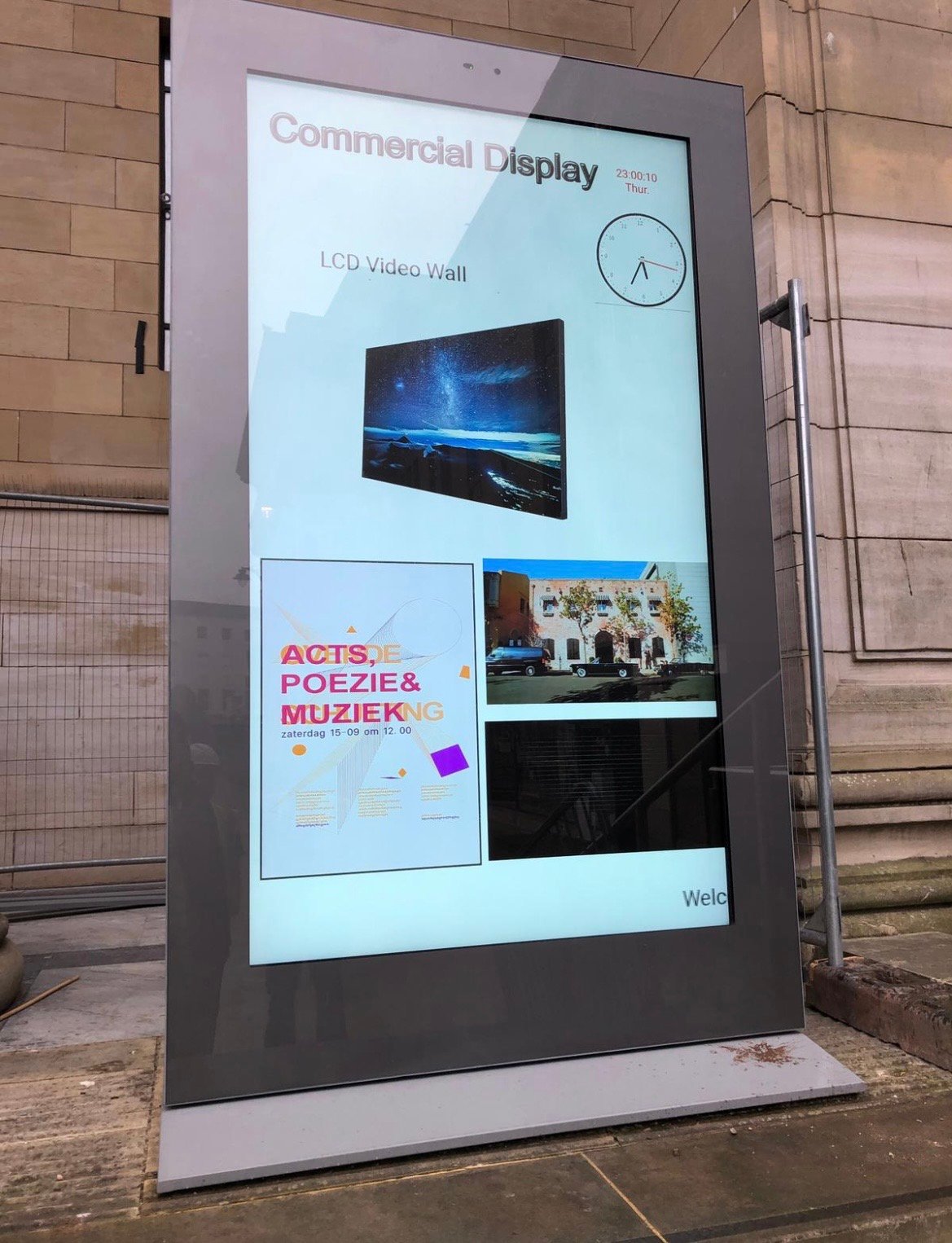
A City Centre Outdoor Kiosk, From Warehouse to Live in One Day
A freestanding outdoor LED kiosk in Dundee city centre, built and fully tested in our own warehouse, craned into position on site, and running live content the same day, no return visit needed to finish the job.
Read the case studyAssembling and proving the enclosure, LED module and network connection off-site first turns a city centre install into a single lift-and-connect operation, rather than a multi-day build in a busy public space.
Lanark Memorial Hall: Outdoor Screens the Venue Manages Itself
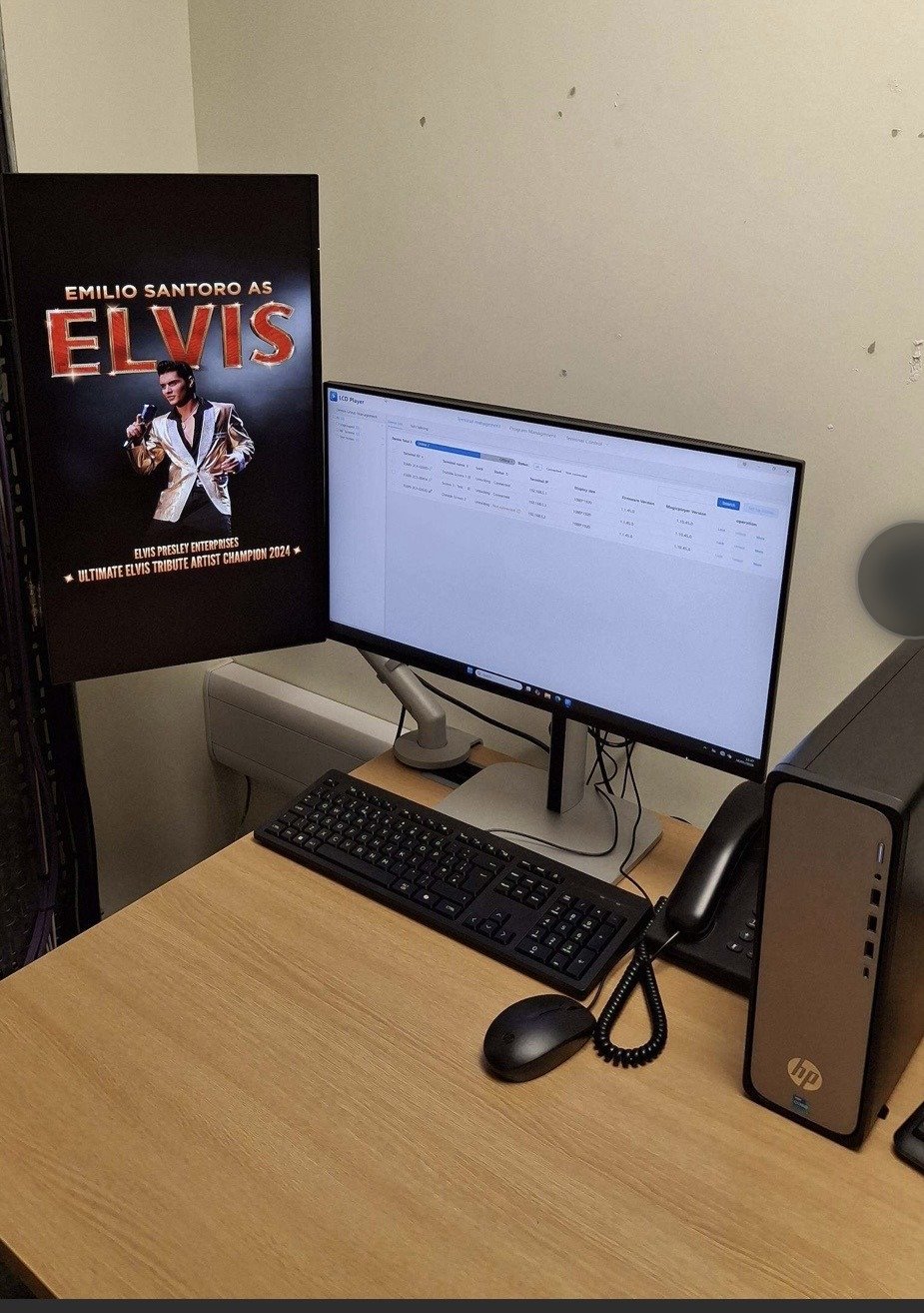
Multiple outdoor LED screens across one site, confirmed legible from full daylight through dusk to complete darkness, all run from a content management system and server rack the venue controls itself.
Read the case studyA single CMS, backed by an on-site server rack, scheduling and managing content across every screen on the network, so the venue updates listings itself rather than raising a support ticket for every routine change.
Digital Signage Solutions: Answered Plainly
How much does digital signage cost?
A single-screen unit (screen, media player and a year’s software licence) typically starts from around £600 to £1,200 supplied and installed. A multi-screen campus or estate-wide network is usually scoped from £5,000 upwards depending on screen count.
What’s the difference between digital signage and a video wall?
Digital signage is individual screens (or small clusters) showing scheduled content. A video wall tiles multiple screens into one seamless image, generally for higher-impact display.
Can content be managed remotely across multiple sites?
Yes, cloud-based content management is standard on every network we install, with scheduling and permissions by site or department from one dashboard.
Can our signage also carry emergency messaging?
In many cases, yes, if your premises falls under Martyn’s Law, the same screens doing your day-to-day comms can often be configured to carry evacuation, invacuation and lockdown messaging too, rather than needing a separate system. Worth specifying for both from the start if it applies to you.
Planning a signage rollout?
Tell us how many screens and where, and we’ll scope it honestly.












Find our work useful? Add us as a preferred source on Google.