
Interactive Classroom Technology: Classroom technology teachers actually want to use.
Interactive touchscreens, smartboards and projector systems for classrooms, halls and training centres, specified for reliability in daily teaching use, not a demo suite.
Built for the room, not the showroom
Classrooms
Interactive touchscreens with education software and wall or mobile stand mounting.
Halls & assembly spaces
Larger-format projection and audio for whole-school use.
Training centres
Interactive displays for police, fire and other operational training environments.
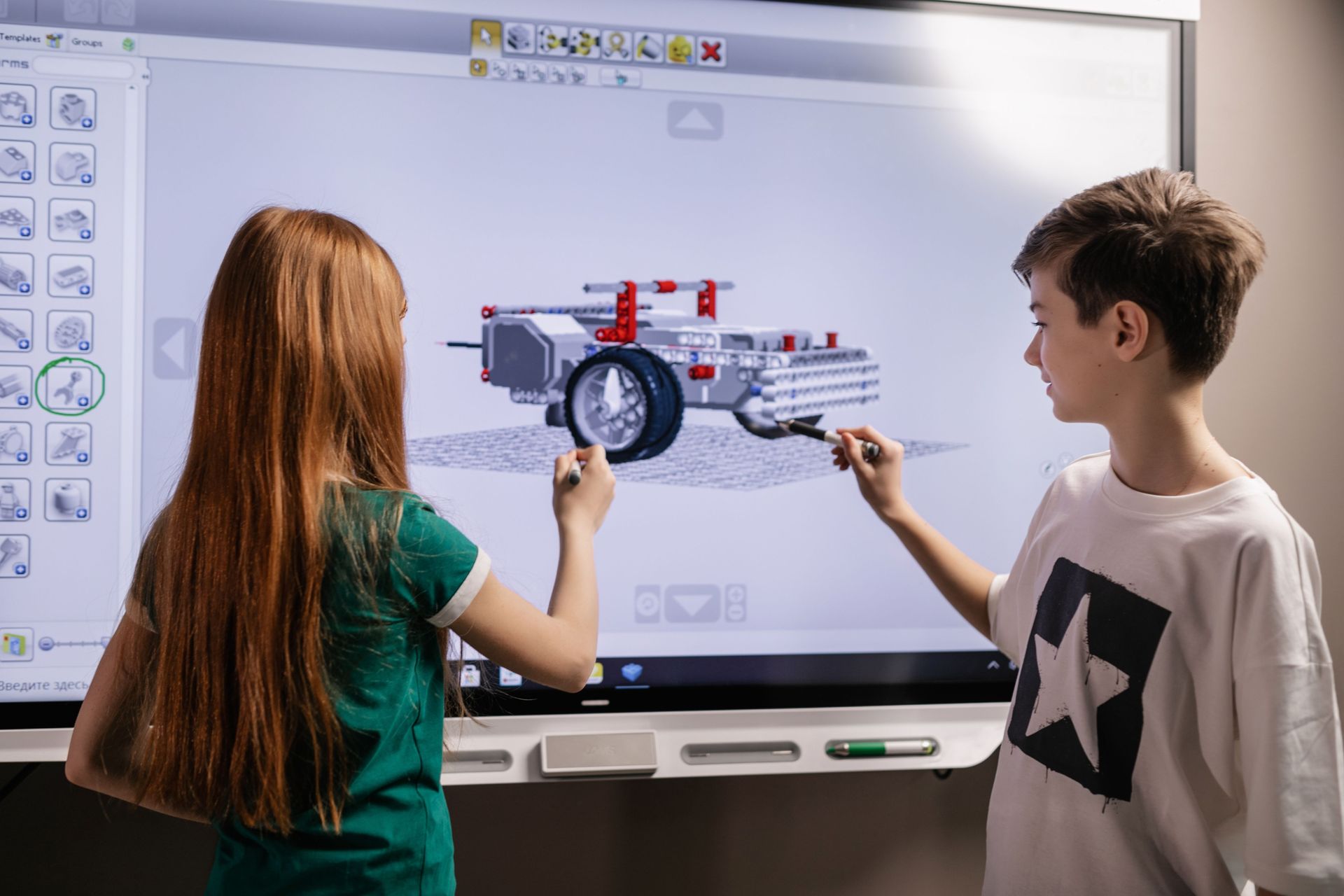
What interactive classrooms costs
Indicative ranges, supplied and installed. Every project is scoped individually, this is a starting point for budgeting, not a quote.
| Configuration | Typical use | From |
|---|---|---|
| Interactive classroom panel + mount | Single classroom, 65″, 75″ | £1,143 +VAT |
| Class set, 10 classrooms | Whole-department rollout | from £11,000 +VAT |
| Projector & screen bundle | Hall or training room | £650 +VAT |
| Mobile interactive stand | Shared/mobile classroom use | £285 +VAT |
Public sector and education purchase orders accepted.
Prefer to talk it through? Call 0845 095 3600 or email av@efficient-is.co.uk: we’ll give you a straight answer, not a sales script.
Design, supply, install, support, one team throughout
Design
Site survey and requirements gathering, technology recommendation and budget options.
Supply
Procured through our manufacturer and distributor relationships, or your framework of choice.
Install & commission
Delivered by our engineers in Scotland, or a vetted local partner, anywhere in the UK, every system tested and calibrated before we call it done.
Handover, training & support
Formal handover and documentation, hands-on training for your team, and optional ongoing care plans.
Interactive Classroom Technology: Answered Plainly
How much does an interactive whiteboard cost for a school?
A single EDLA-certified interactive panel with wall mount typically starts from £1,143 supplied and installed. Whole-department or whole-school rollouts are quoted per classroom with volume pricing.
Do you install during school holidays?
Yes, classroom installations are typically scheduled around school holiday windows to avoid disrupting teaching, and we work directly with facilities teams to plan this.
Are your classroom panels EDLA certified?
Our recommended classroom panels meet EDLA (Enterprise Devices Licensing Agreement) certification, Google’s certification for large-format Android displays, giving native access to Google Workspace for Education, automatic security updates and centralised device management.
Have a project in mind?
Tell us the room and the outcome you need, we’ll tell you what’s realistic.
Do you provide training for teaching staff, not just the installation?
Yes. Hands on training is included as part of handover for every interactive classroom project, covering day to day use of the panel and its software rather than just how to switch it on. For larger rollouts, this is typically delivered as a short session per department or year group so training fits around the school timetable rather than pulling every teacher out at once.
Can existing whiteboards or projectors be integrated with new interactive panels?
In most cases the old equipment is replaced rather than integrated, since interactive panels typically supersede a projector and whiteboard combination entirely. Where a room genuinely needs to keep an existing projector for a specific reason, such as a large hall where a single panel wouldn’t be big enough, we’ll say so during the site survey rather than force a standard configuration that doesn’t fit the space.
Can interactive panels be managed centrally across multiple classrooms or sites?
Yes. Panels can be enrolled into a mobile device management platform the same way other school devices are, allowing IT staff to push software updates, manage settings and monitor devices centrally rather than managing each classroom’s panel individually.
Is mounting height adjusted for different age groups?
Yes. Mounting height and, where a room needs it, a height adjustable or mobile trolley mount, are agreed during the site survey based on the year group using that classroom, so a panel fitted for a primary classroom sits at a usable height for younger pupils rather than a standard adult height mount used throughout the building.












Find our work useful? Add us as a preferred source on Google.