
Bad WiFi is almost never a bad router problem
The instinct when WiFi is patchy is to buy a more expensive router. The actual fix is almost always about where the access points are, not which brand they are.
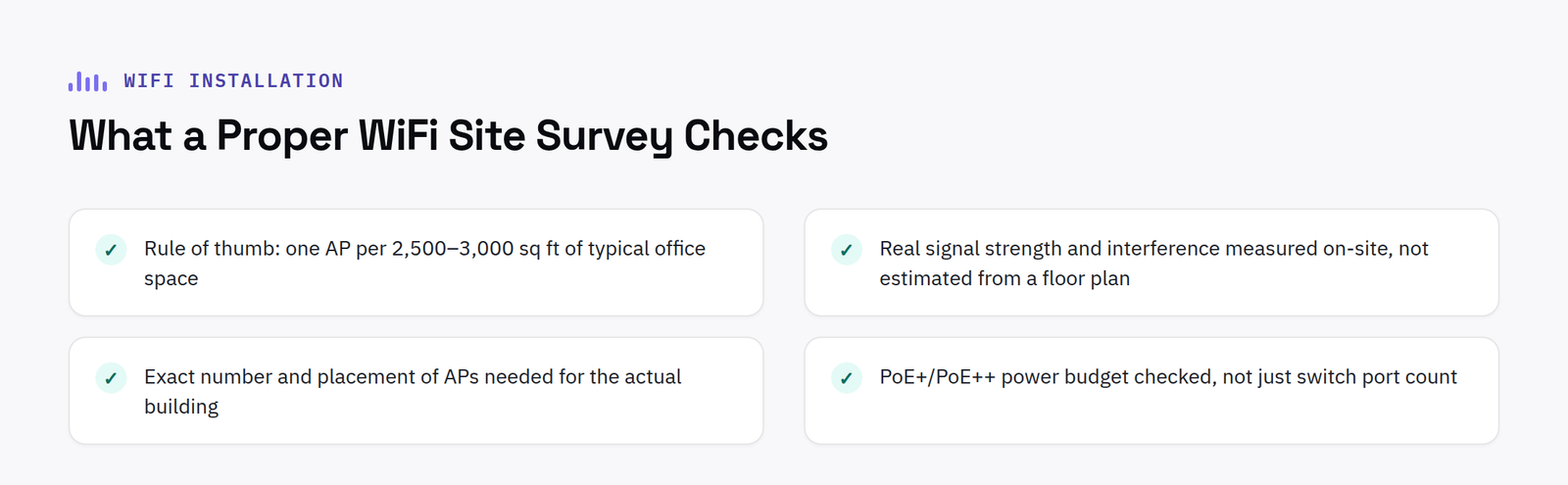
The coverage rule of thumb
As a starting point, one access point covers roughly 2,500 to 3,000 square feet of typical office space, drywall partitions, standard drop ceilings. Open-plan cubicle farms stretch that further; anywhere with a lot of partition walls, metal, or structural interference shrinks it, sometimes dramatically.
Why one powerful router doesn’t fix it
A single, even very expensive, router or access point can’t overcome physical building interference, thick walls, lift shafts, metal cladding, no matter how strong its signal is rated. Coverage is a placement and quantity problem, solved by multiple access points positioned correctly, not a single more powerful one.
What a proper site survey actually checks for WiFi dead spots
A wireless site survey measures real signal strength and interference at multiple points around the actual building, not a floor plan estimate done from a desk, and identifies exactly how many access points are needed and where, before any hardware is bought.
The power supply question nobody asks upfront
Modern access points, particularly WiFi 6E and 7 models, draw meaningfully more power than older generations and often need PoE+ or PoE++ delivery. A switch with plenty of PoE+ ports can still run out of total power budget faster than expected once several modern access points are connected, worth checking before ordering hardware, not after installation.
FAQ
How many access points do I need for my office?
As a rule of thumb, one AP per 2,500 to 3,000 sq ft of typical office space, a proper site survey gives an exact number based on your actual building rather than a generic estimate.
Do I need WiFi 6E or 7 to fix coverage problems?
Usually not, coverage problems are almost always about AP placement and quantity, not the WiFi generation. Upgrading generation without fixing placement typically doesn’t solve dead spots.
What to check before commissioning a full site survey
Not every WiFi complaint needs a full site survey. A few quick checks first can save time and cost: confirming the current access points are actually mounted at a sensible height and position rather than tucked behind furniture or inside a cupboard, checking firmware is up to date, and asking whether the complaints are genuinely widespread or concentrated in one or two specific areas. If the problem is clearly localised to a small area, sometimes a single additional access point resolves it without needing a full survey of the whole building.
Where the complaints are widespread, inconsistent, or the building has changed since the network was last designed, an extension, a new internal wall, a change of use for a room, a proper survey is the right next step rather than guessing at placement based on the original floor plan. The cost of a survey is small compared to buying and installing access points in the wrong places and having to move them later.
It is also worth checking whether interference is coming from outside the building rather than assuming every dead spot is a coverage problem. Densely populated office buildings and city centre locations often have dozens of neighbouring WiFi networks competing on the same channels, and a proper survey should identify this as a contributing factor alongside physical coverage, since the fix, changing channel or frequency band, is very different from adding another access point.
Have a project in mind?
Tell us what you’re trying to fix and we’ll tell you honestly what’s realistic.











