
What Is Device Staging and Imaging? A Plain-English Guide
If you’ve ever had thirty brand-new laptops arrive in their boxes and realised someone now has to spend two days setting each one up before anyone can actually use them, you’ve met the problem device staging solves.
What device staging and imaging actually means
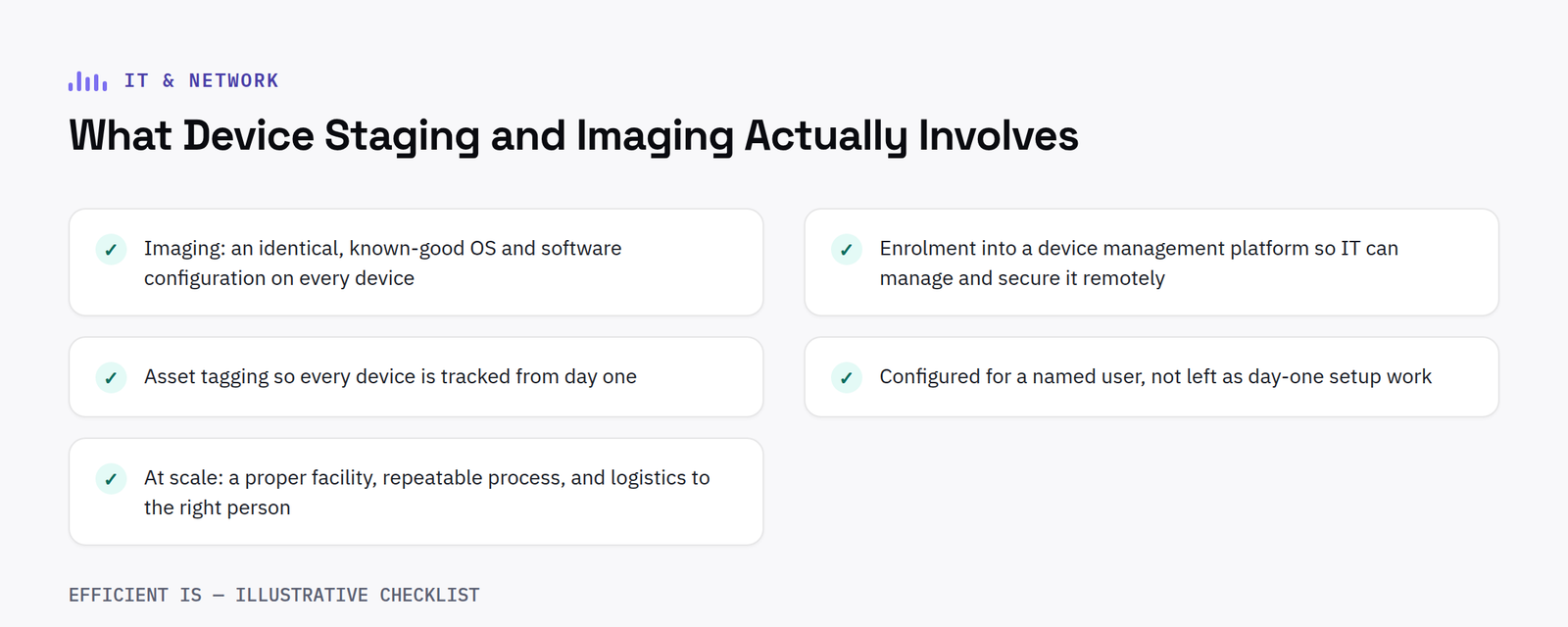
Before a device reaches its user, it goes through a standard build process: imaging (installing your standard operating system configuration and software set), enrolment into a device management platform so IT can manage and secure it remotely, asset tagging so it’s tracked from day one, and, where relevant, configuring it for a named user rather than leaving that as day-one setup work for whoever receives it.
Why “imaging” specifically matters
Imaging means every device leaves with an identical, known-good configuration, not thirty slightly different setups depending on who unboxed which one and what they happened to click through during Windows setup. That consistency is what makes support faster later: an IT team troubleshooting a known standard build finds problems faster than one troubleshooting whatever a user’s device happens to have ended up as.
Where this fits in a rollout
Procurement gets you the hardware. Staging is the step between “hardware exists” and “hardware is actually usable by the person it’s for”, and it’s the step that determines whether a rollout feels instant to end users or drags on for weeks as devices trickle out half-configured.
What good staging looks like at scale
For a handful of devices, staging can happen almost anywhere. For a genuine rollout, fifty, five hundred, a distributed workforce, it needs a proper facility, a repeatable process, and logistics that get the finished, configured device to the right person, not just the right office.
What can go wrong without proper staging
The most common failure mode is not a technical one, it is a logistics one. Devices arrive in a single delivery, someone in the office is asked to unbox and configure them alongside their normal job, and the rollout stretches from an expected day or two into several weeks as other priorities take over. By the time the last device is configured, the first ones set up have often already drifted out of sync with whatever standard configuration was intended, because updates and settings were applied inconsistently along the way.
There is also a security dimension that is easy to overlook. A device that sits unconfigured in a box, or briefly connects to a network before enrolment into a management platform is complete, is a device IT cannot see, patch or secure. Staging and imaging before a device ever reaches a user closes that gap: by the time someone switches a laptop on for the first time, it is already enrolled, already patched to the current baseline, and already visible to the team responsible for keeping it secure.
For organisations replacing hardware on a rolling cycle rather than all at once, staging also makes it realistic to keep a small buffer of ready to issue devices on hand, so a lost, stolen or failed device can be replaced with a fully configured unit the same day, rather than triggering an unplanned mini rollout of its own. Getting this right at scale is largely a facilities and process question rather than a technical one: a dedicated staging area, a documented build checklist, and a clear handover point where responsibility passes from procurement to IT to the end user.
Asset tagging deserves a specific mention too, since it is the step most often skipped when a rollout is rushed. A device tracked from the moment it is staged, rather than only added to an asset register once someone notices it exists, is far easier to account for later when it comes to warranty claims, insurance, or eventual disposal.
Planning a rollout or refresh?
See how we run procurement, staging and deployment end to end.











