
School signage works best doing a few jobs well, not everything at once
A single reception screen can end up trying to be a noticeboard, a safeguarding channel, an achievement wall and an events calendar all at once, and usually ends up doing none of them well.
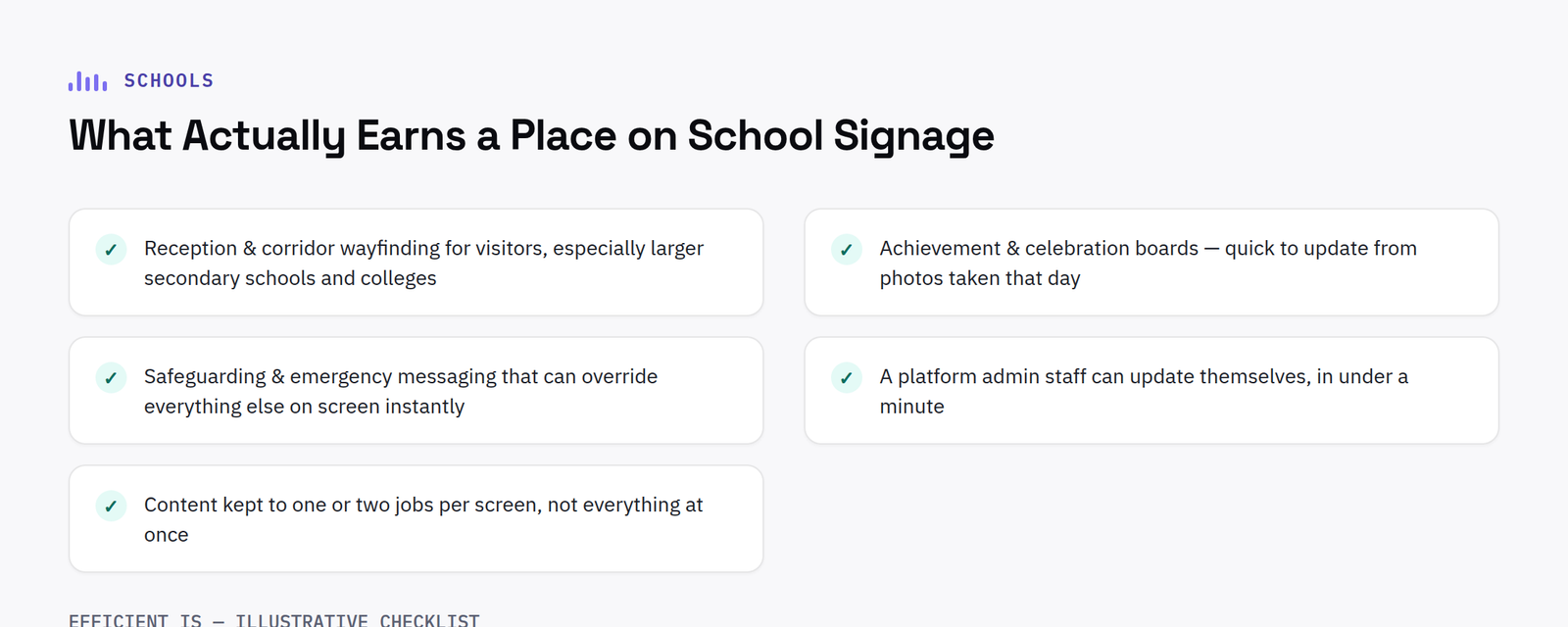
What genuinely earns its place
Reception and corridor wayfinding for visitors, particularly useful for larger secondary schools and colleges with multiple buildings. Achievement and celebration boards, genuinely effective for pupil and parent engagement, and easy to update from photos taken that day. Safeguarding and emergency messaging, with the ability to override scheduled content instantly if needed: arguably the single most important capability a school signage system needs and the one most schools never test until they need it.
The content management question that matters most
Ask specifically: can a member of admin staff update the achievement board themselves in under a minute, and can safeguarding or emergency content override everything else on screen immediately? If the answer to either is no, the platform isn’t right for a school, regardless of how the screen itself looks.
What to avoid
Overloading a single screen with too many content types dilutes all of them, pupils and visitors stop reading a screen that cycles through fifteen unrelated things. Where budget allows, splitting content across a couple of purpose-specific screens (one for wayfinding/safety, one for achievements/events) usually reads far better than one screen trying to do everything.
FAQ
Can school digital signage show emergency messaging?
Yes, this should be a core requirement, not an add-on: the platform should support instantly overriding scheduled content for safeguarding or emergency information.
Do you offer education pricing for school signage?
Purchase orders are accepted from schools and local authorities, with volume pricing for whole-department or whole-school rollouts.
Budgeting for a rollout in phases
Very few schools fund a full estate of signage screens in one go, and there is no need to. A sensible first phase is usually reception and one or two main corridors, the locations with the highest visibility to parents, visitors and pupils passing through every day. Achievement boards in year group areas or faculty corridors make a natural second phase once staff have built confidence updating the first screens, and specialist locations such as a sports hall or dining area can follow once the core system has proven itself. Buying the content management platform and network infrastructure to support the eventual full estate from day one, even while only a couple of screens are actually installed, avoids paying twice for the software layer later.
Installing screens in corridors and communal areas
Corridors and communal spaces are harder on hardware than a classroom or office. Screens need to sit high enough and be mounted securely enough to avoid accidental knocks from pupils moving between lessons, and a commercial grade panel with a sealed, impact resistant housing is worth the extra cost over a domestic television in any high traffic area. Cabling should be fully concealed or run through conduit, both for tidiness and so it cannot be pulled or tampered with. None of this needs specialist industrial equipment. It simply needs the installer to think about corridor use specifically, rather than treating every screen location the same way a meeting room screen would be treated.
It is also worth naming an owner for each screen at the outset, rather than leaving updates to whoever happens to remember. That small piece of ownership, one member of admin staff responsible for the reception screen, a head of year for their corridor board, tends to be the difference between a screen that stays genuinely current a year after installation and one that quietly reverts to a single static slide once the initial enthusiasm fades.
Have a project in mind?
Tell us what you’re trying to fix and we’ll tell you honestly what’s realistic.











