
Getting patients to the right department first time is a bigger win than it sounds
A surprising amount of front-desk time in busy healthcare settings goes on the same question, repeated hundreds of times a day: which way to a department that isn’t visible from the entrance.
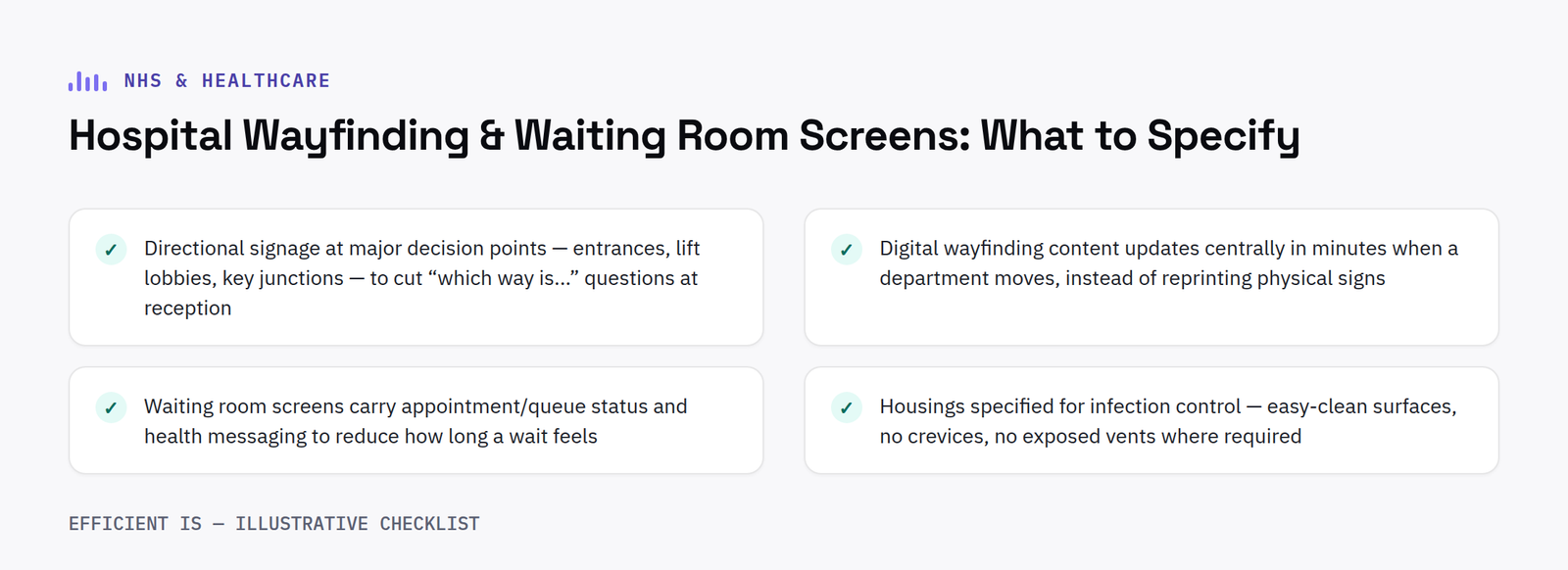
Where hospital wayfinding screens actually reduce pressure
Clear directional signage at key decision points, main entrances, lift lobbies, major corridor junctions, measurably reduces the volume of “which way is…” questions reaching reception staff, freeing that time for patients who need actual help rather than directions. Digital wayfinding has a real advantage over static signs here: when a department relocates or a corridor closes for works, the content updates centrally in minutes rather than needing new physical signs printed and fitted.
What waiting room screens are actually for
Beyond directions, waiting area screens showing appointment/queue information and general health messaging genuinely help reduce how long a wait feels, even when the actual wait time is unchangeda well-documented effect in service-design research generally, not just healthcare specifically.
Hardware considerations specific to clinical settings
Housings need to be appropriate for infection control in clinical areas, easy-clean surfaces without crevices that trap dirt, and no exposed vents where required. This is a design question to raise explicitly with your supplier at the outset of a healthcare project rather than assuming a standard commercial enclosure is automatically suitable.
FAQ
Is signage hardware suitable for clinical and infection-controlled areas?
Hardware should be specified with appropriate, easy-clean housings for clinical environments, this should be confirmed for any specific infection-control requirements during project design.
Can waiting room content be updated centrally across multiple healthcare sites?
Yes, cloud-based content management allows scheduling and updates across every site from one dashboard.
Integration with existing hospital systems
Wayfinding content is far more useful when it can pull live information rather than relying entirely on static, manually updated screens. Integration with a hospital’s patient administration system, showing genuinely current clinic delays or department status, or with an estates system that flags a corridor closure automatically, keeps information accurate without relying on someone remembering to update a screen manually every time something changes. Not every hospital will want or need this level of integration on day one, but it is worth confirming a chosen platform is at least capable of it, so the option exists later without needing to replace the whole system.
Multi-language support is another consideration specific to healthcare settings that is easy to overlook at the specification stage. A wayfinding screen that can cycle key directional information through the languages most commonly needed by the local patient population, rather than English only, genuinely reduces the number of people who need to stop and ask for directions, which is exactly the outcome wayfinding screens are meant to achieve.
Accessibility matters just as much as language: text sized and contrasted clearly enough to read from a realistic distance, and directional icons that do not rely purely on colour to convey meaning, both make a genuine difference for patients and visitors with visual impairments.
Reliability expectations are also higher here than in most other settings. A wayfinding screen going offline in a busy hospital corridor causes real disruption rather than mild inconvenience, so remote monitoring that flags an offline screen automatically, rather than waiting for a member of staff to notice, is worth specifying as standard rather than an optional extra.
Have a project in mind?
Tell us what you’re trying to fix and we’ll tell you honestly what’s realistic.











