
The difference between a good network installation and a bad one shows up a year later, not on day one
Two networks can look identical switched on for the first time. The one that was properly tested, labelled and documented is the one that’s still easy to support in a year. The other one becomes a mystery nobody wants to touch.
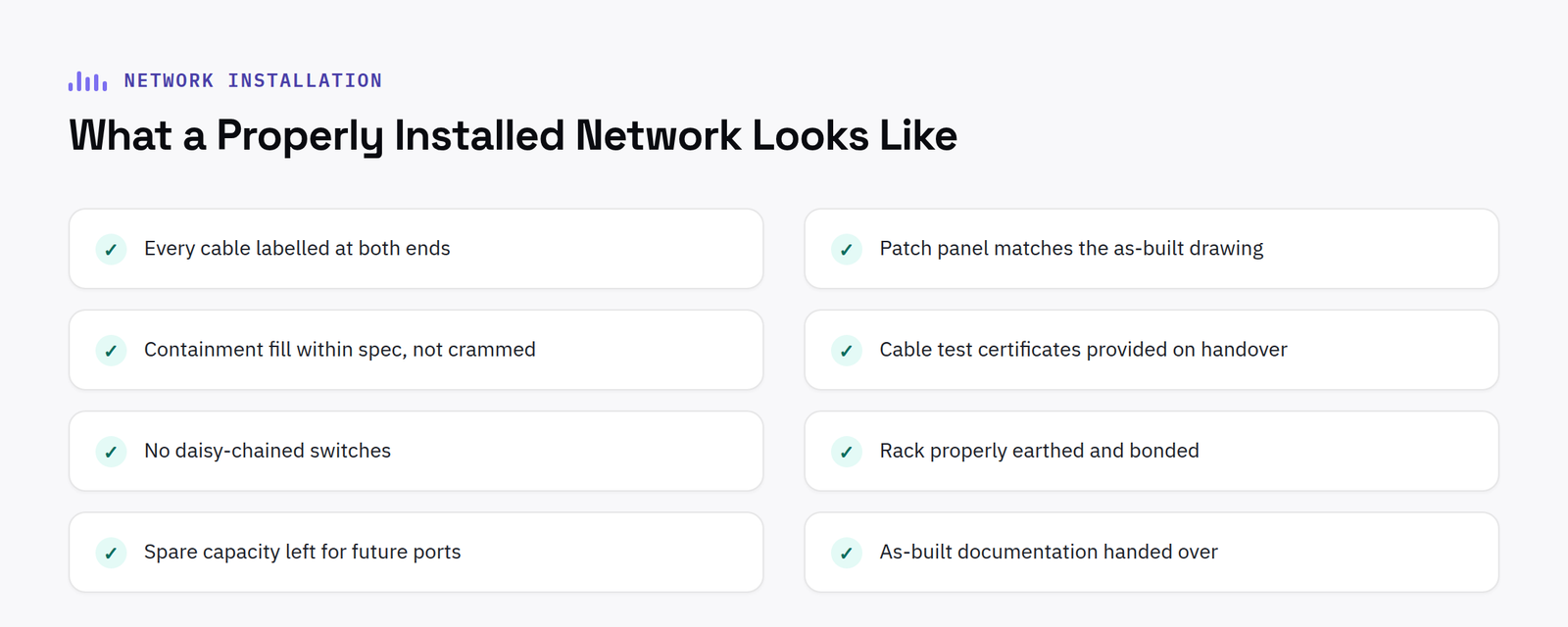
Why day-one performance tells you almost nothing
A poorly installed network can work perfectly well on day one, the problems it creates show up later, when someone needs to add a device, trace a fault, or work out why one specific desk has never had a reliable connection. By then, whoever installed it originally is long gone and nobody left has any documentation to work from.
What actually separates a good installation
Every cable run tested and certified at install, not just plugged in and assumed to work. Every port, patch panel and switch clearly labelled, so a fault six months later takes minutes to trace instead of hours. A network diagram and IP addressing scheme handed over at completion, not created retrospectively when someone finally asks for one. Configuration backups taken and stored somewhere the business actually has access to, not locked in an installer’s own systems.
The disruption question, answered honestly
Refresh and relocation projects can almost always be phased or scheduled outside working hours specifically to avoid taking down a live, working office mid-installation, this should be part of the plan from the first conversation, not an afterthought raised once dates are already fixed.
FAQ
What documentation should we get after a network installation?
A network diagram, IP addressing scheme, VLAN configuration and switch/router configuration backups, everything the next person supporting the network will actually need.
Can a network be installed without disrupting a live office?
Yes, in most cases, phased installation or out-of-hours scheduling is standard practice for refresh and relocation projects specifically to avoid disrupting day-to-day work.
What handover documentation should actually include
A proper handover pack goes further than a single network diagram. It should include the IP addressing scheme and VLAN structure in full, not just a summary, so a future engineer can trace exactly how the network was segmented and why. It should include switch and router configuration backups taken at the point of handover, stored somewhere the business can actually access without relying on the original installer. And it should include a simple, plain English summary alongside the technical detail, since whoever picks up support later may not be a networking specialist and needs to understand roughly how the network is structured before diving into configuration files.
Cable testing certificates are worth asking for explicitly too, not assuming they exist. A certified test result for every run, showing it meets the relevant category standard, is the only real evidence that cabling was tested properly rather than simply plugged in and visually checked. Without it, tracing a fault months or years later often starts from scratch, because there is no baseline to compare a failing cable against.
It is worth asking for this documentation before the installer leaves site, not weeks later once the invoice has been paid and the team has moved on to the next project. A handover meeting, even a short one, where the documentation is walked through with whoever will actually support the network day to day, catches gaps and questions while the installer still remembers the detail of what was actually done.
Have a project in mind?
Tell us what you’re trying to fix and we’ll tell you honestly what’s realistic.











