
Digital signage in a fire station earns its place in a handful of specific spots, not everywhere
Fire and rescue stations aren’t offices. Signage that works well in a corporate lobby often makes no sense on a watch floor, and vice versa.
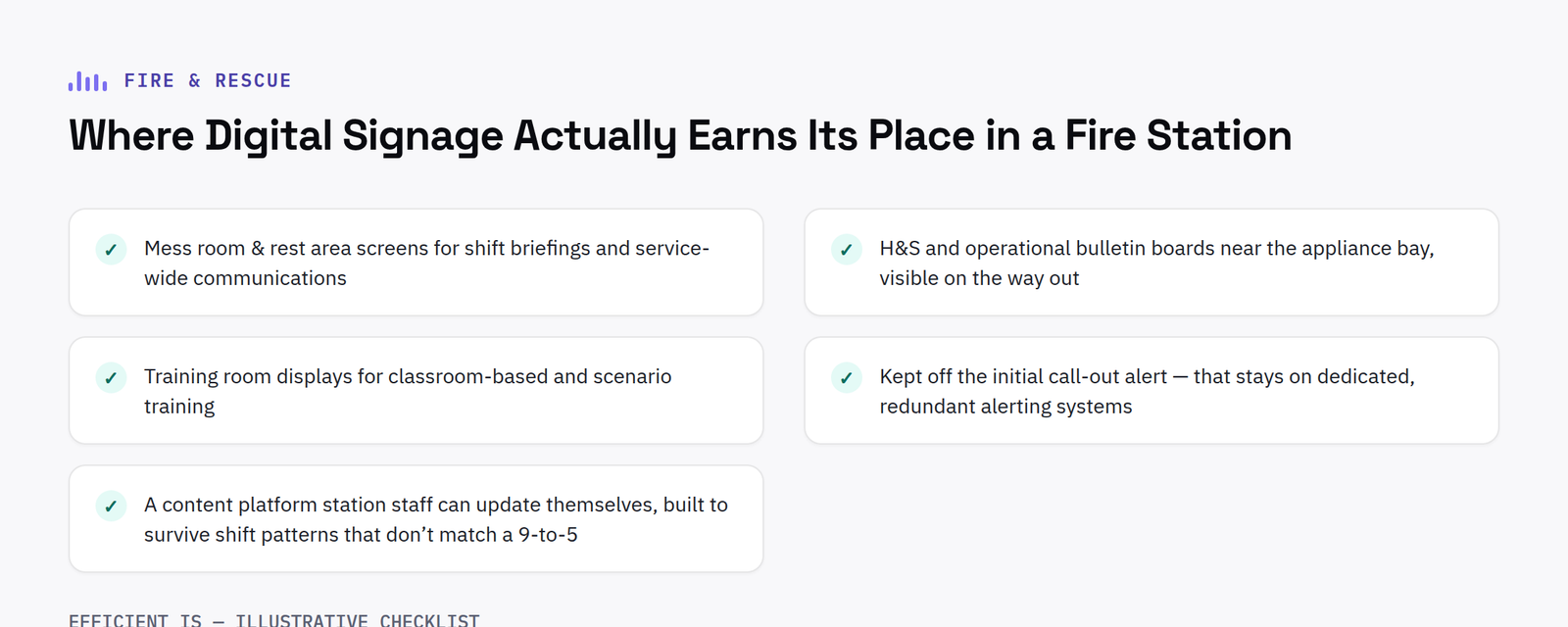
Where digital signage genuinely helps
Mess room and rest area screens for shift briefings and service-wide communications reach crews at the point they’re actually gathered, rather than relying on an email nobody opens between calls. Health & safety and operational bulletin boards near the appliance bay keep critical updates visible exactly where crews are heading out the door. Training room displays support classroom-based and scenario training alongside interactive panels, the same way a school or college would use them.
Where it doesn’t
Areas needing instant, unambiguous alerting, the initial call-out itself: should stay on dedicated, redundant alerting systems, not general-purpose digital signage. Signage complements the operational alerting infrastructure; it doesn’t replace it.
The reliability bar is different here
A station’s screens need to survive shift patterns that don’t match a typical 9-to-5 duty cycle, and content needs to be updatable by station staff without waiting on a central comms team, which makes ease-of-update, not visual polish, the deciding factor in content management platform choice.
What actually holds up in a station environment
Appliance bays and kitchens are harder on hardware than a typical office, expect wipeable, sealed housings in wet or greasy areas, and commercial-grade panels rated for near-continuous use rather than consumer displays designed for a few hours an evening. None of this needs to be industrial-grade throughout the building; it’s about matching the spec to each room, not over-speccing everywhere.
FAQ
Can fire and rescue services procure AV through a framework?
Yes, the Scotland Excel framework covers Scottish public bodies including fire and rescue services, alongside direct procurement routes.
Does the signage need to integrate with our mobilisation or alerting system?
No, keep them separate. Signage is for briefings, safety bulletins and training; the initial call-out alert should stay on dedicated, redundant alerting infrastructure regardless of what signage platform you choose.
How many screens does a typical station need?
It depends on the station’s layout, but the mess room (for briefings) and the space near the appliance bay (for safety bulletins) tend to matter most, training room displays are often added as a second phase once the first two are in and being used.
Phasing a rollout across multiple stations
A service wide signage rollout rarely lands in every station at once, and it does not need to. A sensible approach is to prove the concept in a small number of stations first, confirming the content management platform and hardware spec work well in a real watch environment, before extending to the rest of the service. This also gives station staff early experience updating content themselves, so later stations benefit from lessons already learned rather than everyone troubleshooting the same issues independently.
Who should actually own content updates
Central comms teams are well placed to push service wide bulletins and training content, but day to day updates, an achievement mention, a local safety reminder, a shift specific note, are best owned by station staff themselves. A platform that lets a central team publish broadly while still giving individual stations control over their own local content tends to get used consistently, rather than falling back to the same static slide for months at a time.
Have a project in mind?
Tell us what you’re trying to fix and we’ll tell you honestly what’s realistic.











