
The screen is the easy part. The content management system is what makes signage actually work.
Most digital signage disappointments trace back to the same root cause: a great screen driven by a content system nobody in the building can actually use.
What signage content management actually does
A content management system is the software layer that decides what appears on every screen, when, and who’s allowed to change it. Practically, that means scheduling content by time and day, pushing updates to every screen in an estate from one dashboard, and, critically, giving different teams permission to manage only their own screens without touching anyone else’s.
Why this matters more than the hardware
Two identical screens, one driven by a clunky CMS and one driven by a good one, will end up looking completely different within six months. The good one gets updated weekly because it’s quick to do. The bad one gets left on the same slide from launch day because updating it is a chore nobody wants to own.
This is the single biggest predictor of whether a signage investment actually gets used, and it’s almost never mentioned in the initial screen-buying conversation.
What to actually check before buying
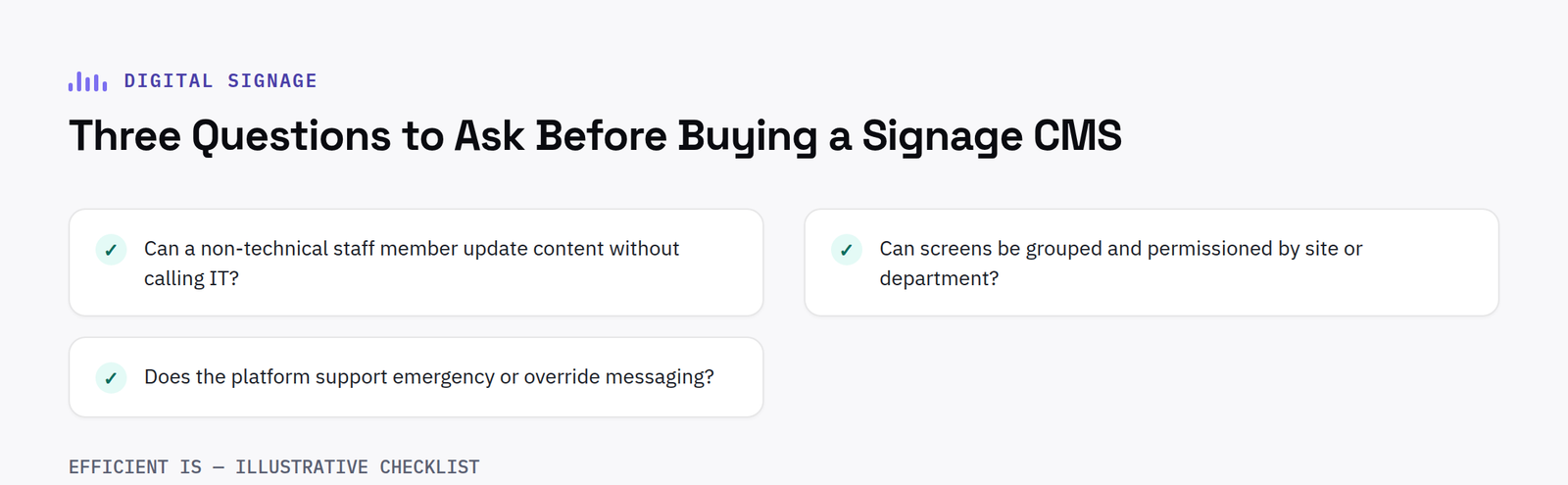
Ask three practical questions before signing off any digital signage project: can a non-technical member of staff update content without calling IT; can screens be grouped and permissioned by site or department so central comms and individual teams can each manage their own content; and does the platform support emergency or override messaging, which matters far more than it sounds until the day you actually need it.
FAQ
Can digital signage content be managed remotely across multiple sites?
Yes, cloud-based content management lets you schedule and update content across every screen in an estate from one dashboard, with permissions set by site or department.
Do I need technical skills to update digital signage content?
No, not with a well-chosen platform, content updates should be something any team member can do from a browser in a couple of minutes, without IT involvement.
Cloud based versus on premise content management
Most modern signage platforms are cloud based, meaning content is scheduled and pushed from a web dashboard accessible from anywhere, with no local server for a business to maintain. This suits the vast majority of estates, particularly ones spread across multiple sites. On premise systems still have a place for organisations with strict data residency requirements or an existing preference for keeping infrastructure fully in house, but they come with the added overhead of maintaining that server yourself, patching it and keeping it backed up.
Approval workflows for larger, multi-site estates
Once more than a handful of people are able to publish content, an approval workflow becomes genuinely useful rather than a nice to have. A good platform lets a central team review and approve content submitted by individual sites before it goes live, without needing to be the one who actually created it. This keeps brand consistency and message accuracy intact across a large estate while still letting local teams contribute their own content, rather than forcing every single update through one central bottleneck.
Reporting is worth checking too. A platform that shows which screens are online, which have failed to update on schedule and which piece of content is actually being displayed at any given moment saves a great deal of time compared to relying on someone physically walking past a screen to notice a problem days after it first appeared.
Have a project in mind?
Tell us what you’re trying to fix and we’ll tell you honestly what’s realistic.











