
A boardroom and a separate Chairman’s office, each fitted with a screen and video-conferencing system built into the room’s existing furniture, with every cable run under the floor — nothing trailing, nothing on show. That finish is the standard we hold every Boardroom & Chairman’s Office project to, not just this one.
A boardroom — and separately, a Chairman’s office — needed a display and video-conferencing system installed without a single visible cable or a trailing extension lead across the floor. In a room furnished to that standard, an AV install that looks bolted on rather than built in isn’t acceptable, whatever the technical spec behind it.
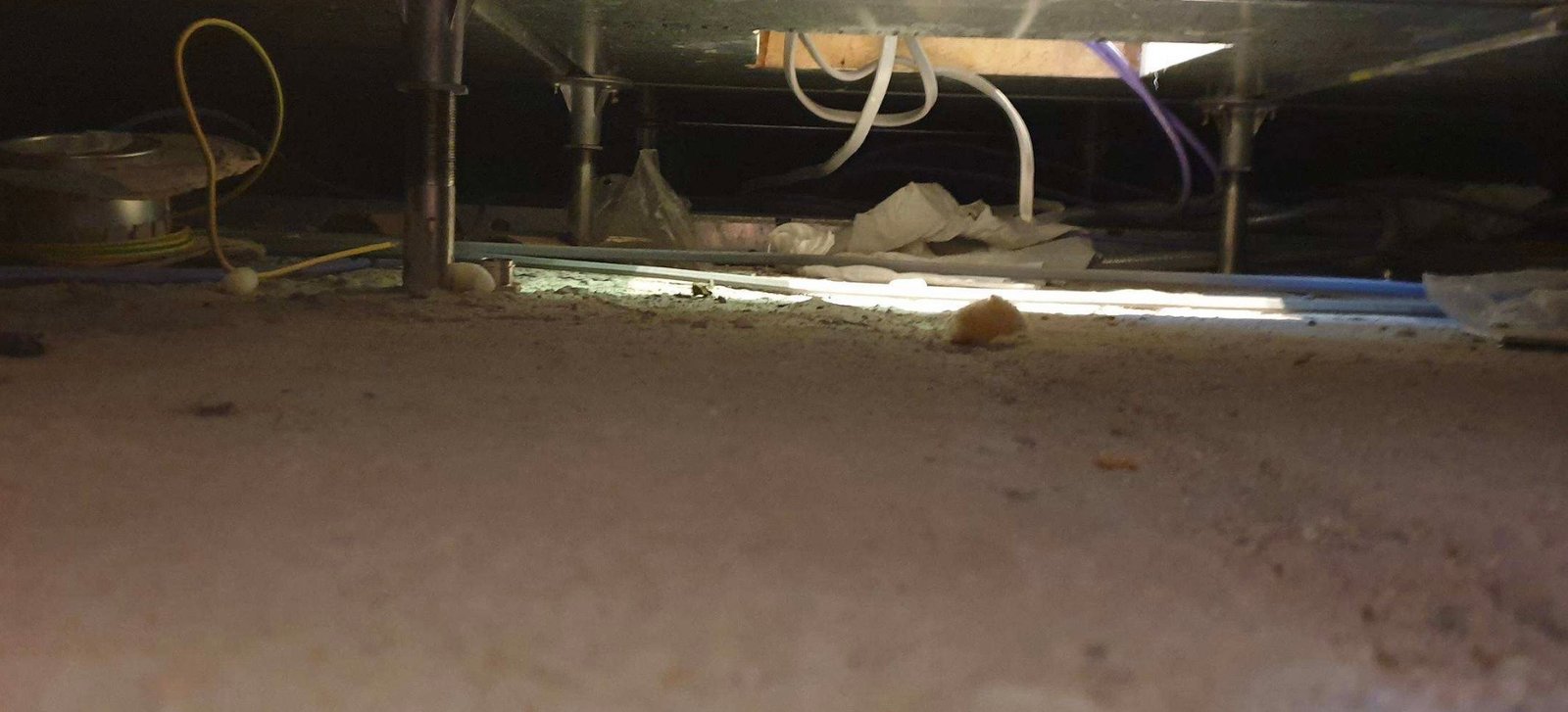
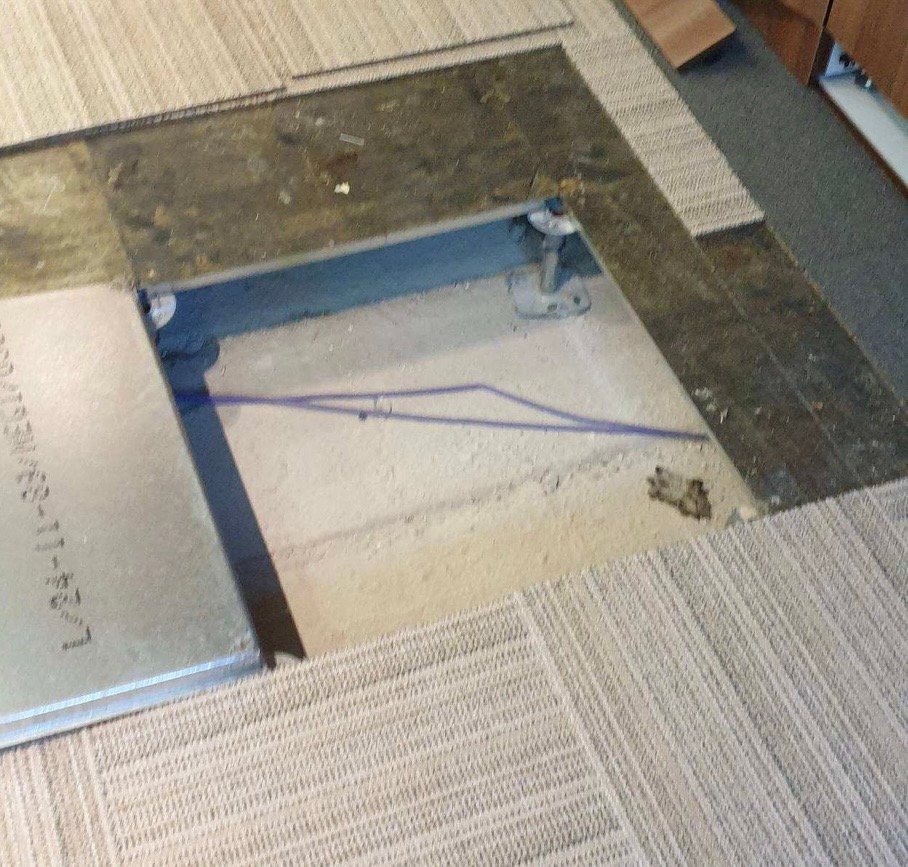
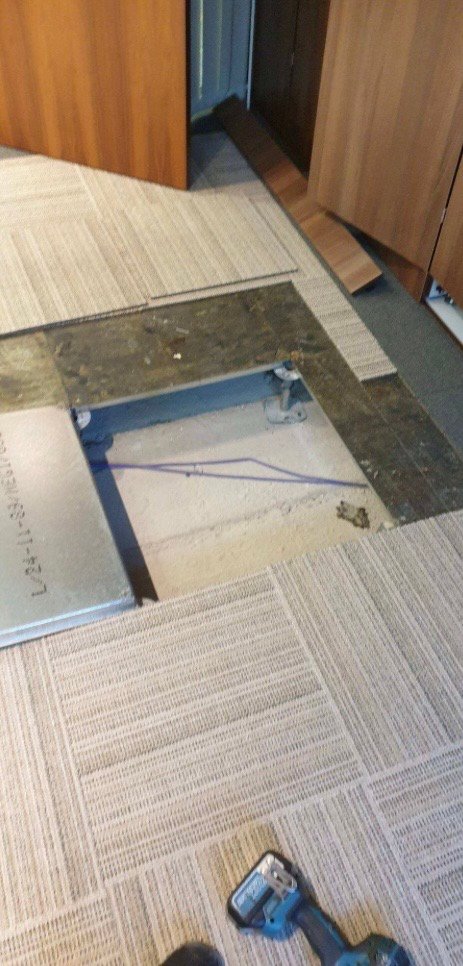
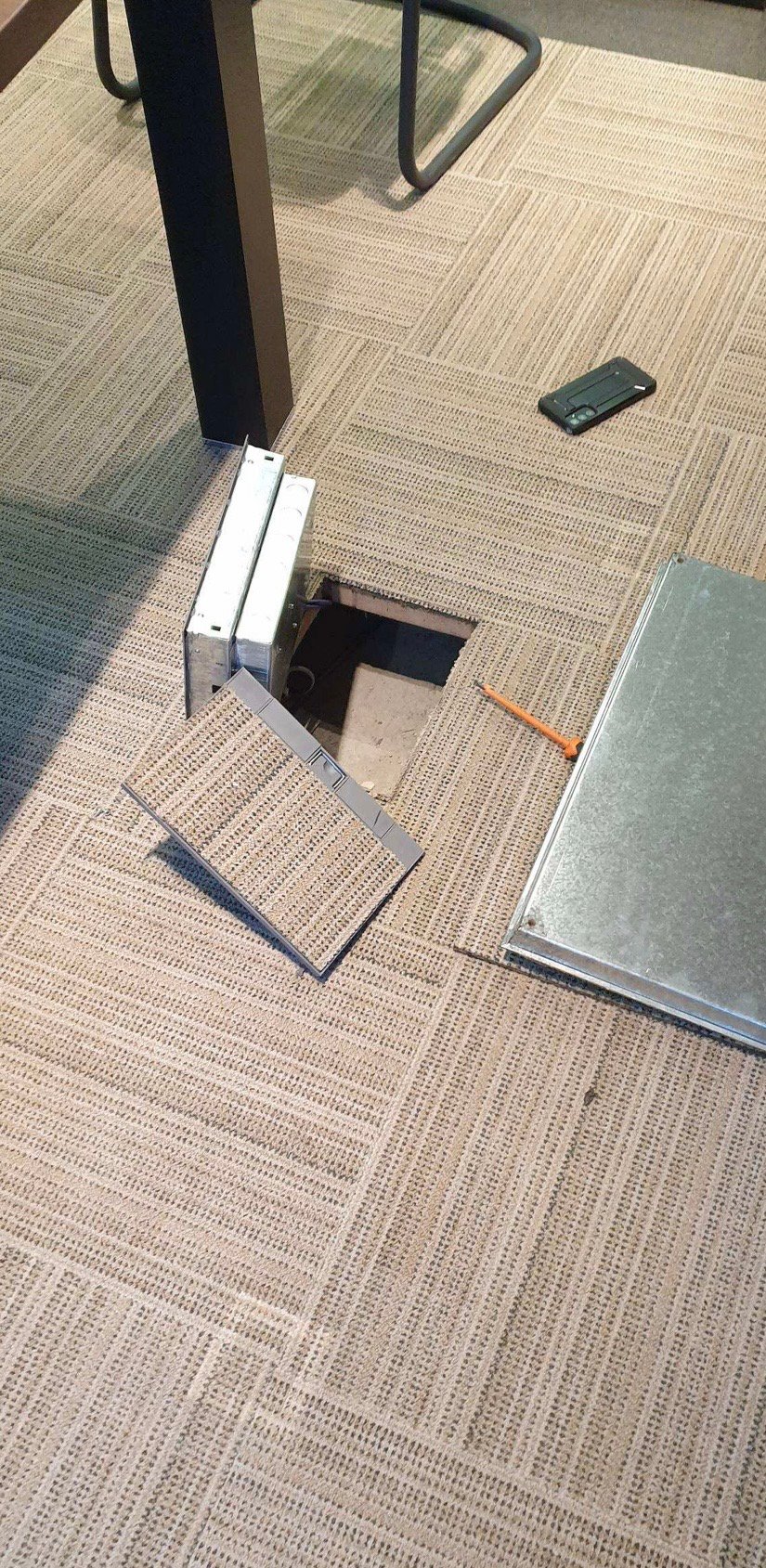
All cabling was run under the floor rather than across it, lifting and refitting floor tiles to route power and data to both the boardroom table and the wall unit. The display and video-conferencing hardware were then built into the room’s existing wood-panelled cabinetry — recessed into a cupboard rather than wall-mounted in the open — with cable management and a lockable compartment inside the cabinet itself, so nothing is left loose or on view.
Power and data routed beneath the floor to both the table and the wall unit, with floor tiles lifted and refitted cleanly.
The screen and camera bar recessed into the room’s own wood-panelled cabinetry, rather than mounted openly on the wall.
A cable management rail and a lockable compartment keep everything tidy and out of reach inside the cupboard itself.
A pop-up connectivity module set into the table gives power and data at the table with no cable on show.
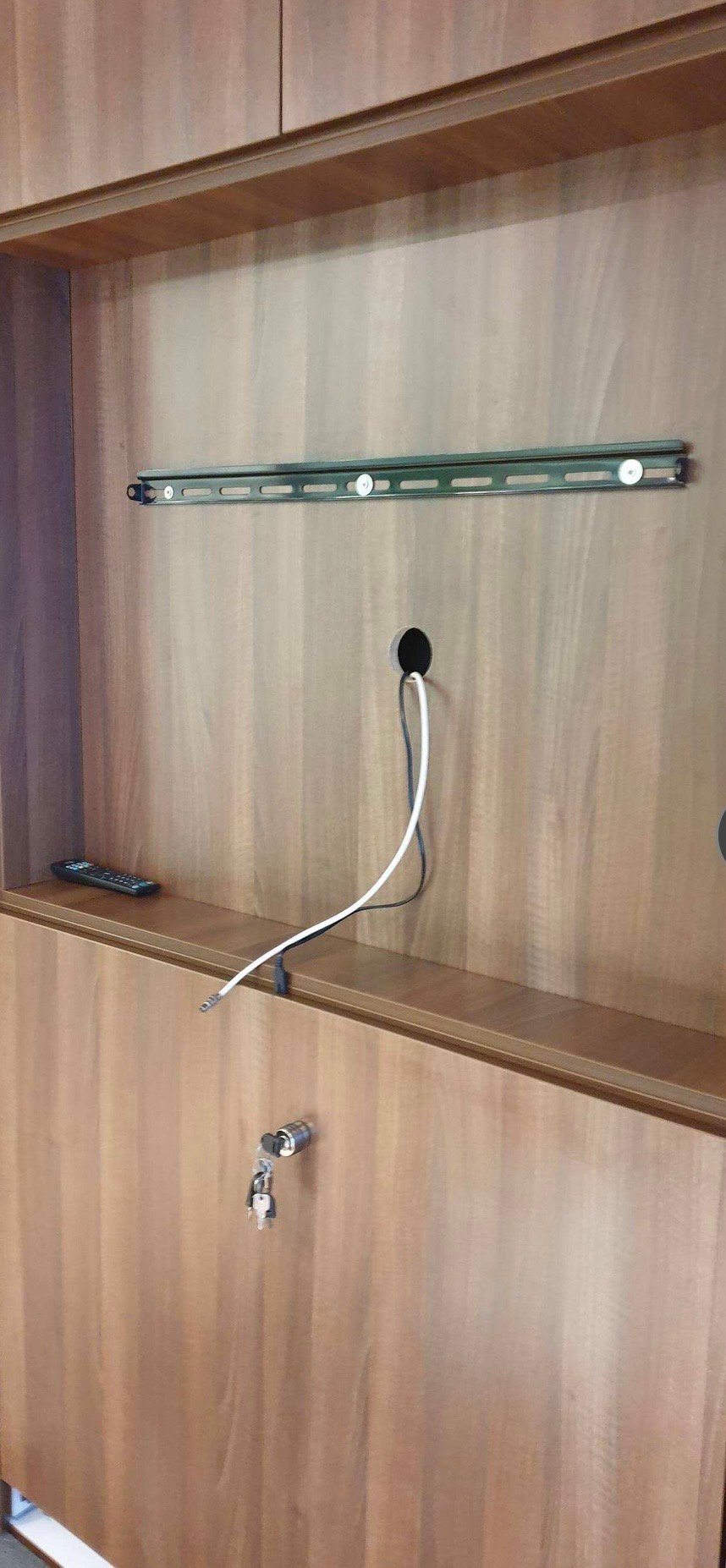
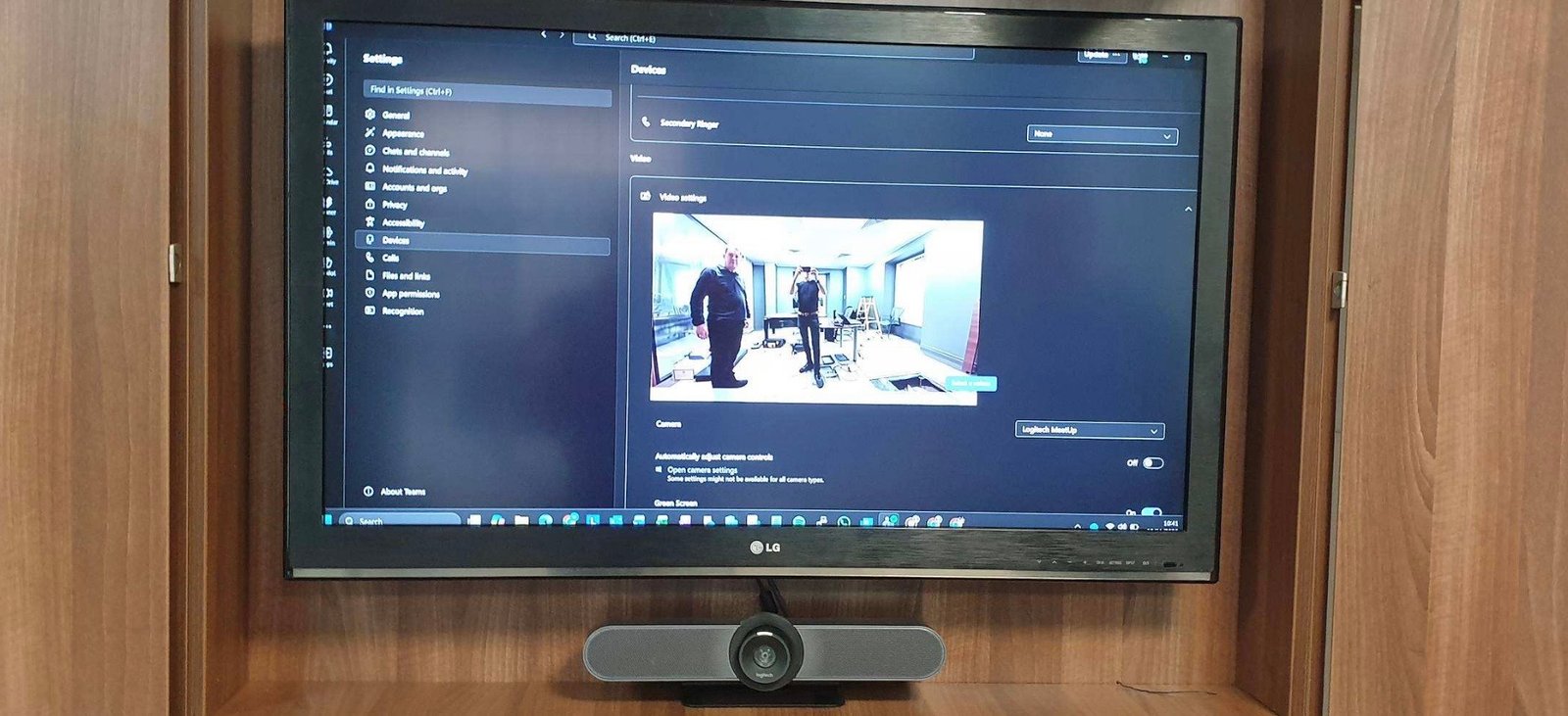
Every cable is either under the floor or inside the cabinet — nothing trailing across the room.
The room is ready for Microsoft Teams calls at the press of a button, not just a static presentation screen.
The finished install reads as part of the room’s furniture, matching the standard the space was fitted out to.
Yes — where the furniture allows for it, a display and camera bar can be recessed into an existing cupboard or wall unit rather than wall-mounted in the open, with cable management built into the cabinet itself.
It depends on the floor construction — a raised or accessible floor makes it straightforward; a solid floor needs a different routing plan. We assess this as part of the initial site survey before proposing an approach.
Not necessarily — a screen paired with a video-conferencing camera and speaker bar, like the Logitech MeetUp used here, gives one-touch Teams calling without the cost and complexity of a full Teams Room build.
Tell us the room and the furniture you’re working with — we’ll tell you what’s possible.
In a room finished to this standard, an AV install that looks bolted on undoes the effort put into the rest of the space. Lifting and refitting floor tiles to route cabling underneath, rather than surface mounted trunking across the room, and recessing the display and camera into existing cabinetry rather than fixing it to the wall, both come from the same principle, the technology should disappear into the room rather than announce itself.












Find our work useful? Add us as a preferred source on Google.